

Time and attendance recorder. How to choose and what's worth knowing?
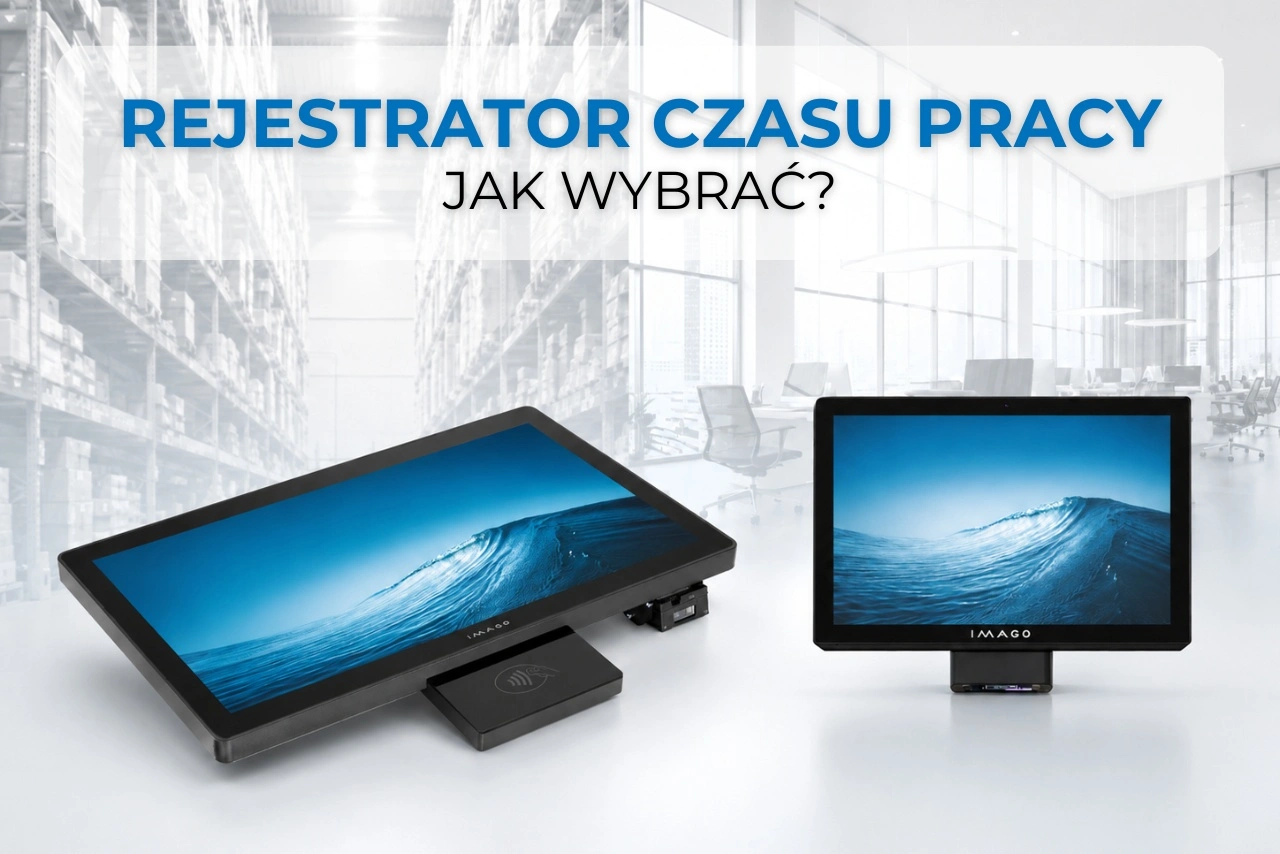
It's 5:58 a.m. The morning shift is about to begin, and a dozen or so employees are lined up at the entrance to the hall. One person fumbles for a card, another swipes their ID, but the terminal doesn't respond, and the line quickly grows.
When a dozen people start their shifts at the same minute, it's not the reader itself that counts, but whether the device recognizes the ID on the first try and immediately records the event in the system. So how do you choose a time and attendance recorder that won't slow down employees upon arrival?
Is it better to choose a card-based time and attendance system, NFC, QR code, or fingerprint? And does a small company need a different solution than a large manufacturing plant?
How does a time recorder work?
Contemporary work time recorder, also called the RCP terminal, records certain events such as:
- starting and finishing work,
- entering or leaving the plant,
- starting the break,
- business trip,
- starting an order or production stage.
The employee identifies himself using a card, key fob, telephone or 2D code. The terminal records the event and forwards it to the HR application, ERP system, or other software used by the company.
The device can also display a message confirming registration, shift schedule, number of hours worked or organizational information.
It is worth remembering that recording employee entry and exit is not the same as a full record of working time. The timesheet provides data that can then be used by the HR system, but it does not replace the required documentation. The difference between an attendance list and a timesheet is explained in detail. National Labor Inspectorate.
Therefore, before choosing a device, you should check whether it can work with the HR software used in your company.
What should you pay attention to when choosing a work time recorder?
The choice shouldn't start with processor, RAM, or screen size. First, determine:
What should happen after I place my card or scan the code?
Only then can you choose the operating system, reader, screen and other device parameters.
Android or Windows?
The operating system should be matched to the application supporting work time recording.
The Android terminal works well for simple applications operating in kiosk mode. It can be used in offices, shops, reception areas, service points, and less demanding warehouses.
Windows will be a better choice if the company uses specialized or older software, needs specific drivers or wants to use the panel also for order processing, production monitoring or reporting downtime.
So, no system is always better. First, you should check the application's requirements.
Time and attendance recorder with card or NFC
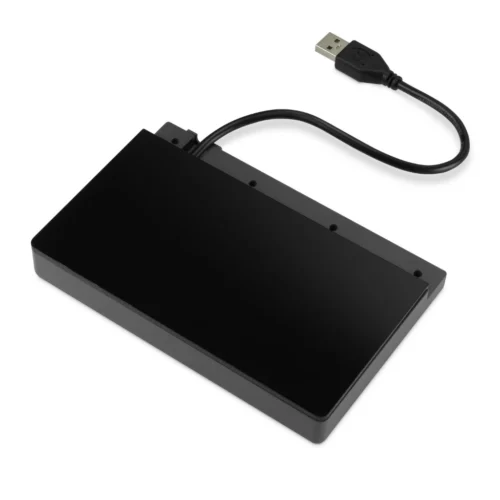
Time and attendance recorder with card or NFC is currently one of the most practical solutions. An employee presents a card, key fob, or ID, and the device assigns the event to the appropriate person.
The biggest advantage is speed. This is especially important when many people start their shifts at the same time.
The same card can also be used for:
- opening the door,
- access control,
- identification at the machine,
- collecting tools,
- recording production orders.
Before choosing a device However, you should check the standard of the cards you are using. Not every reader will support all IDs.
The disadvantage of this solution is the need to have a physical card., which can be lost, forgotten or given to another person.
Time and attendance recorder with 2D code
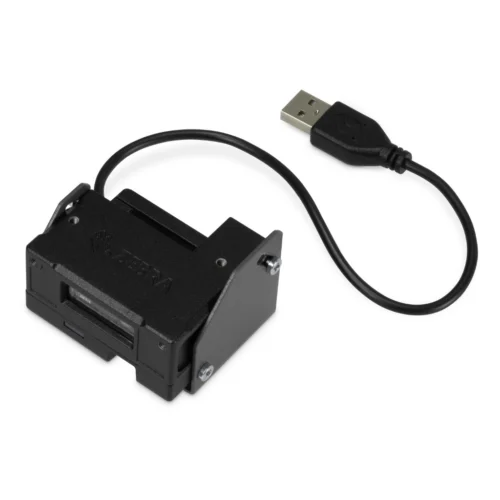
An alternative to the card is 2D code, most often QR. It can be printed on your ID badge or displayed in the phone app.
This solution works well in the case of:
- temporary workers,
- subcontractors,
- companies with high employee turnover,
- companies using the employee application,
- organizations wanting to reduce the number of physical cards.
The code can be stored on the phone, eliminating the need for the employee to carry an additional ID. However, it's important to remember that a regular, permanent QR code can easily be photographed and sent to another person. A more secure solution may be code generated dynamically by the application.
It also matters scanner quality. It should be able to read codes from phone screens without any problems, even with lower brightness or imprecise device positioning.
Fingerprint time recorder, is it worth it?
Fingerprint time recorder seems convenient because the employee doesn't have to remember the card. However, biometrics involve the processing of sensitive personal data.
Using fingerprints solely for standard entry and exit registration can be legally problematic. Biometrics is primarily used where specific access control to protected spaces or information is necessary.
Therefore, before implementing such a solution, a company should analyze its legal basis, purpose, and data security measures. In a classic RCP system, a simpler solution would typically be a card, NFC, or 2D code.
Which time recorder is best for a small company and which one for a large one?
The size of the company isn't the only criterion. More important are the number of people using the terminal simultaneously and what functions it will support.
Time and attendance recorder for a small business
In a small office, shop or service point, a compact terminal with a 7 to 10-inch screen, basic configuration and one method of identification is usually sufficient.
The most important will be:
- simple application,
- NFC or 2D code reader,
- easy assembly,
- clear confirmation of registration,
- integration with the HR system.
If the device only needs to confirm presence, a large screen and a very powerful processor are not needed.
Time and attendance recorder for a large company
In a large facility, the organization of the entire system is crucial. When several hundred people finish their shifts at the same time, a single terminal can cause queues regardless of its parameters.
It is worth considering:
- several registration points,
- central device management,
- ability to work offline,
- integration with HR, ERP or MES systems,
- two ways of identification,
- resistance to intensive use.
In a large company, the right number of devices and their arrangement may be more important than the most powerful processor.
How big should the screen be?
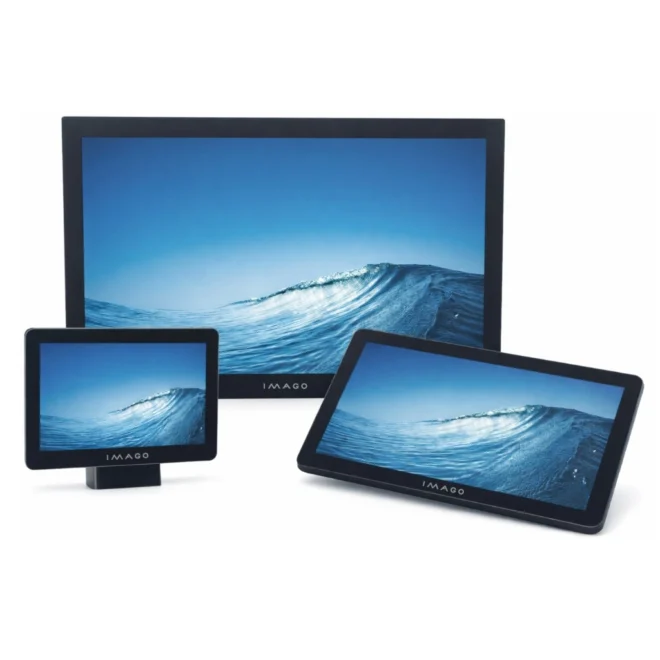
For basic time and attendance recording, a screen between 7 and 11 inches is usually sufficient. Employees must see the entry or exit button and a message confirming the operation.
A larger screen makes sense if the terminal is also to display:
- shift schedule,
- list of orders,
- job instructions,
- health and safety announcements,
- production results.
Then the device is no longer just a working time recorder and can function as a more advanced employee kiosk, providing access to messages, documents or personnel information.
Work time recorder for the office and production hall
A device operating at a reception desk won't always be suitable for a production line. The selection should be influenced by the conditions at the installation site: dust, humidity, temperature, vibration, and operating method.
In the office, a lightweight, compact micro-kiosk can be used. In the production hall, a robust housing, stable mounting, and a screen that can be operated with gloves will be more important.
IMAGO A Series as a compact RCP terminal
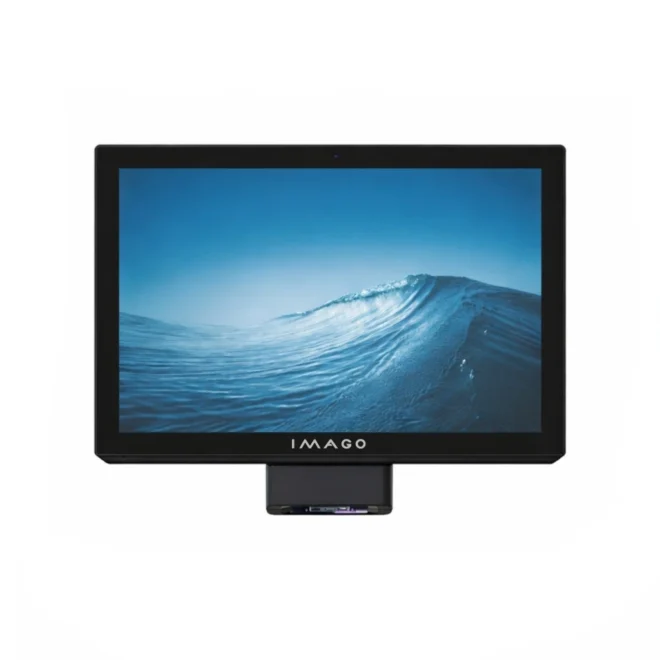
Android A Series Panel Computers they can function as work time recorders in offices, trade, services, receptions and other less demanding environments.
The series includes the A7, A10, and A15 models with 7-, 10.1-, and 15.6-inch screens. The devices support Ethernet, Wi-Fi, and Bluetooth connectivity. The A10 and A15 models also support PoE, allowing for data and power transmission using a single cable.
The panels can be connected to an NFC reader or 2D code scanner. The terminal can therefore handle both employee cards and QR codes displayed on a phone.
The A series will work well where the most important things are compact dimensions, simple interface and easy installation.
ISK series as an industrial time and attendance recorder
In a manufacturing facility, a terminal can be used for more than just confirming attendance. Employees can identify themselves with a card and then scan the code of an order, product, or container.
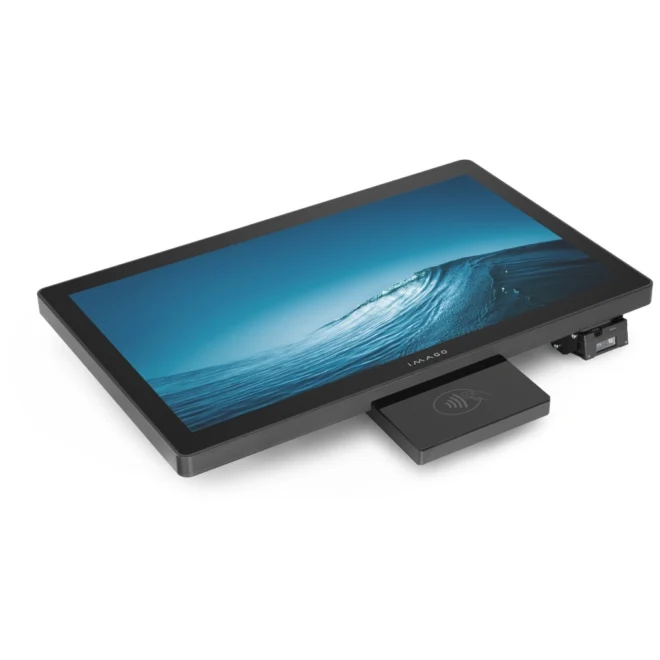
They are intended for such applications ISK panel computers in a powder-coated steel housing. Available 15-, 18.5-, and 21.5-inch screens allow the device to be used as an RCP recorder and operator station.
The panel can be equipped with:
- RFID/NFC reader,
- Zebra MS4717 2D barcode scanner.
Thanks to this, the card can identify the employee and the 2D code can specify the task or process being performed.
The ISK series will be a good choice where value is important solid construction, glove-friendly operation, Windows system and integration with production processes.
Which work time recorder should you choose?
A good time and attendance recorder doesn't need the largest screen or the most powerful processor. It should be tailored to the application, number of users, identification method, and site conditions.
In an office, shop, or service center, a small Android terminal with an NFC reader or 2D barcode scanner may be sufficient. On the production floor, a more robust panel computer with the ability to connect both readers simultaneously will be a better solution.
In IMAGO, the RCP terminal can be built on the basis of compact Android panels from the A series or industrial ISK panel computers. This allows you to match the device to the software used, the installation location and the processes implemented in the company.
Not sure whether an Android panel or an ISK industrial computer will work better? Consult the selection of a work time recorder with our team.
