

POS terminals for restaurants – how to choose equipment that will keep up with the pace of your business?
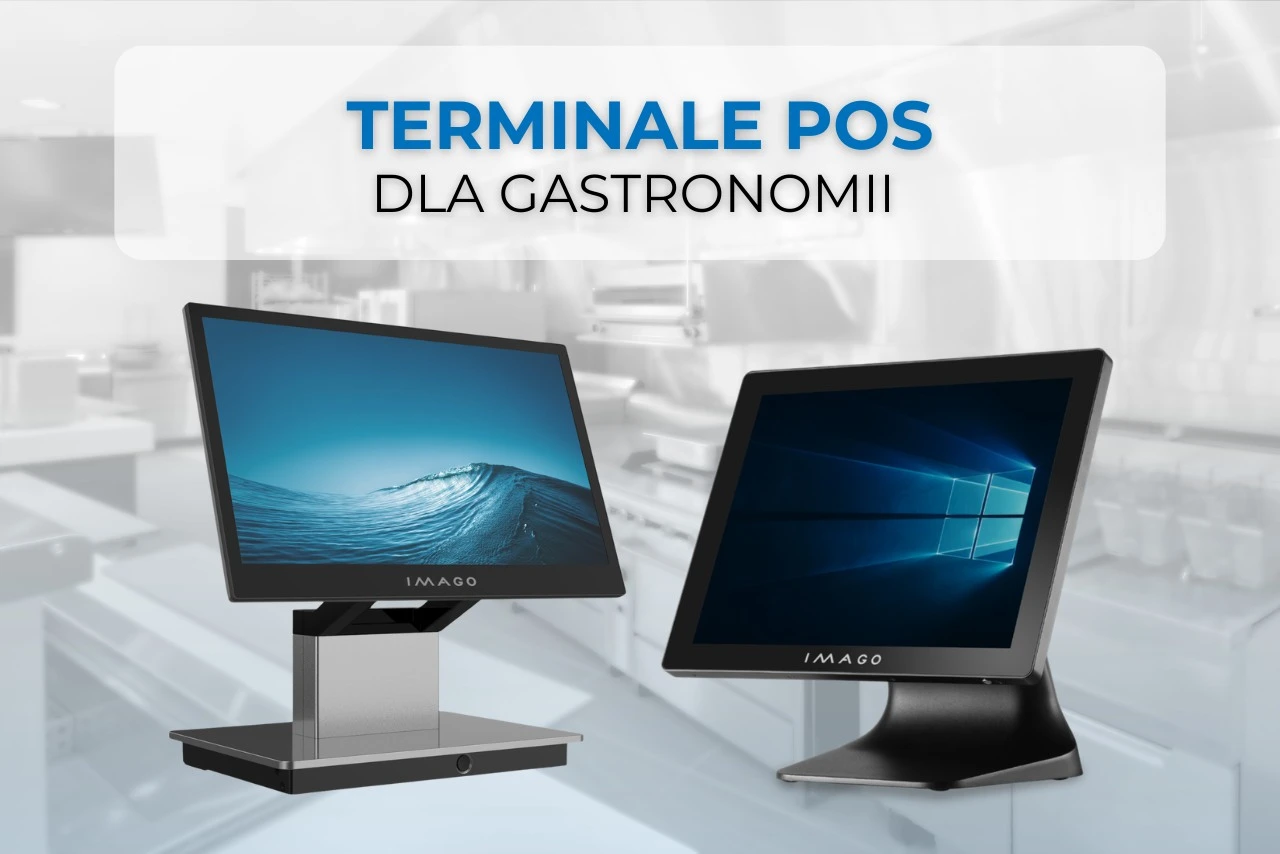
In the restaurant industry, rhythm is key. Orders come in one after another, service must be fast, the kitchen can't wait, and guests don't want to wait at the register any longer than necessary. In this environment, the terminal isn't just a sales device. It's the command center of the establishment.
Well chosen POS terminal for gastronomy It improves guest service, supports staff work, and helps maintain smooth operations even during peak hours. A poorly chosen solution can lead to frustration, delays, and costly downtime.
So how do you choose a device for a restaurant, bar or cafe?
What should distinguish a POS terminal for gastronomy?
Point-of-sale systems for restaurants have different requirements than traditional retail stations. In restaurants, the device often simultaneously handles:
• sales and payments
• order modifications
• integration with the kitchen (KDS)
• takeaway and delivery orders
• loyalty programs
• voucher printers and cash drawers
• payment terminals and peripherals
Therefore, a restaurant terminal should be designed with intensive work in mind, not just basic sales support.
How to choose a POS terminal for a restaurant?
When choosing equipment, price is usually the primary consideration. However, in the catering industry, parameters that impact daily operation are more important.
- Efficiency
Modern catering software can put more strain on equipment than many people assume.
If the POS system is to handle many processes in parallel, it is worth paying attention to:
• modern processor
• fast SSD drive
• the appropriate amount of RAM
• stable operation of multiple applications simultaneously
In practice, this means faster service, fewer delays and greater comfort for staff.
What screen should a POS terminal for restaurants have?
This is a parameter that is often underestimated, but very important.
Screen brightness
In premises with high sunlight or intense lighting, legibility is of great importance.
It is good if the POS terminal offers a brightness of around 350–400 cd/m² or more.
POS Touchscreen – Technology Matters
In the catering industry, a touchscreen must respond quickly and precisely.
It is worth paying attention to:
• PCAP multi-touch technology
• True Flat (easier cleaning)
• resistance to intensive use
• fast response time
During rush hour, even seconds make a difference.
What screen size should I choose?
The most frequently chosen models are 15-15.6 inches.
15–15.1”
works well in limited space.
15.6” Full HD
provides a larger work surface and more convenient operation of extensive sales systems.
For the catering industry, this is often the most practical scope.
Android or Windows – which POS system for restaurants?
This is one of the most common questions when choosing.
Windows POS Terminal
Works well for:
• extensive restaurant systems
• catering chains
• advanced integrations
• many peripheral devices
Android POS terminal
Popular especially where it counts:
• ease of use
• quick implementation
• modern catering applications
• mobility and flexibility
Increasingly, both directions make sense, depending on the business model.
All-in-One POS terminal or classic checkout stand?
In gastronomy, they are increasingly chosen All in One POS terminals.
Why?
Because they combine the screen and computer in one housing, so:
• they take up less space
• limit the number of cables
• make it easier to keep order
• simplify service
• they look good at the service desk
This is very important when working in a small workspace.
What peripherals should a POS terminal support?
A good sales terminal for the catering industry should be expandable.
In practice, service counts:
• fiscal printers
• cash drawers
• payment terminals
• code scanners
• NFC
• loyalty programs
• additional customer displays
It is also worth checking the available ports:
USB, RS232, RJ45, Powered USB, USB-C.
This is where it often becomes clear whether the equipment is truly business-grade.
Second screen – is it worth it?
In gastronomy, definitely yes.
The second screen can be used to:
• confirming orders
• display promotions
• cross-selling
• communication with the guest
A second screen is increasingly becoming standard.
What POS for a small restaurant?
In small venues, the following usually works best:
• compact All in One terminal
• 15–15.6” screen”
• Android or Windows depending on the software
• possibility of connecting basic peripherals
• small countertop footprint
For food trucks, bistros and cafes, this is often an ideal direction.
IMAGO POS terminals for gastronomy
In this direction, they are also being developed POS touch terminals available in the IMAGO offer.
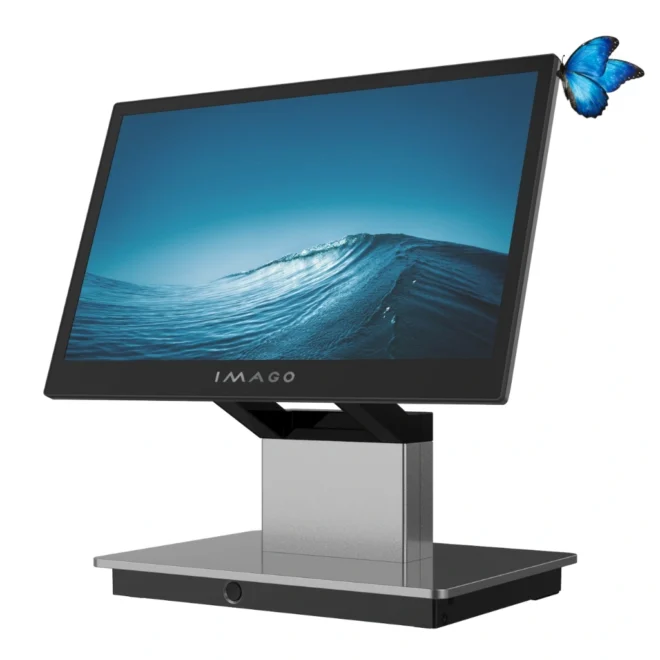
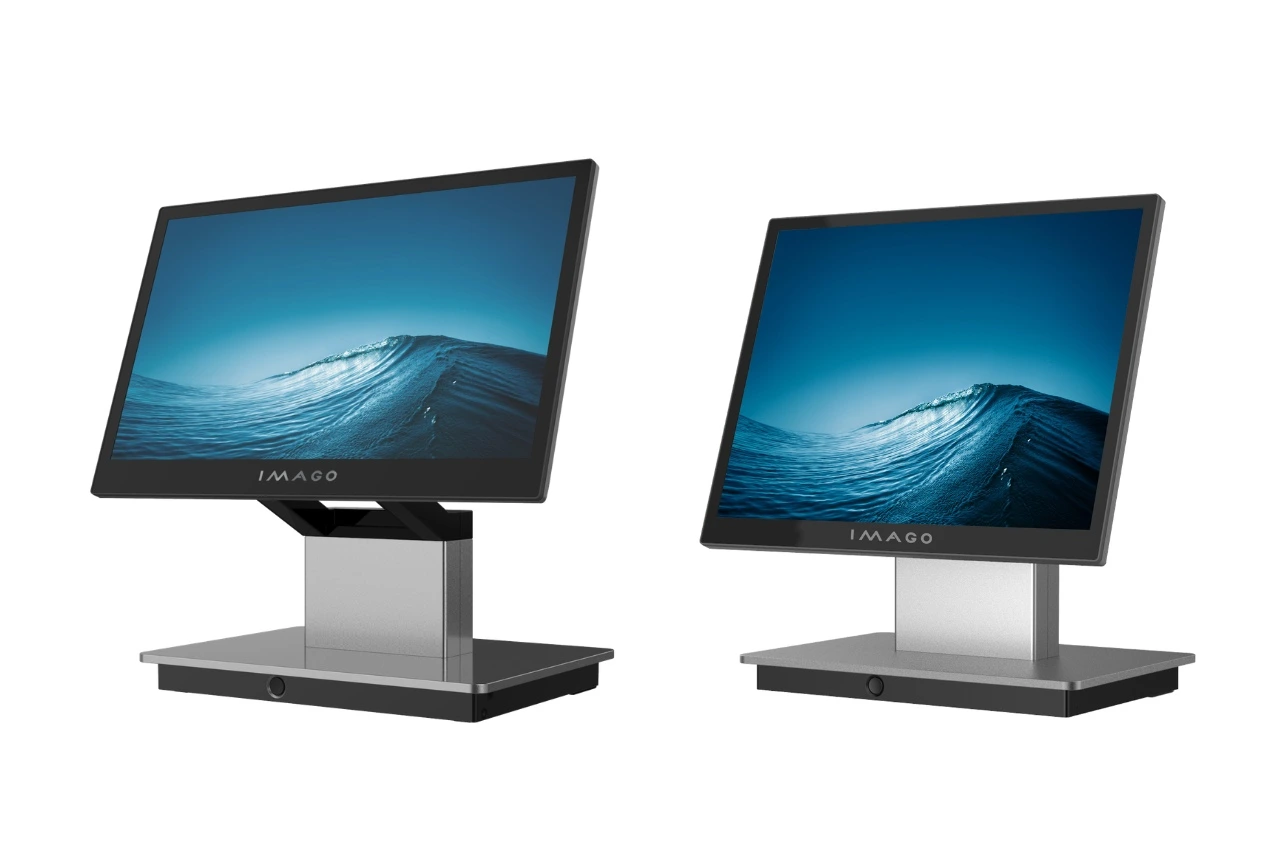
Premium series Morpho 665N2 and Morpho 667N2 was designed specifically for environments where efficiency, ergonomics and flexibility are key.
They offer, among others:
• Intel Alder Lake-N and Intel Meteor Lake processors
• Windows, Linux and Android support
• 15.1” or 15.6” Full HD screen
• True Flat PCAP Multi-Touch
• optional second 11.6” screen”
• expansion with NFC, MSR, 2D, iButton
• modular construction
• premium aluminum housing
• a rich set of ports for catering equipment
These are solutions designed for modern POS stations that are designed to operate intensively and stably.
FAQ – frequently asked questions
Which POS terminal should you choose for your restaurant?
A powerful model with a 15-15.6" touchscreen that operates smoothly and supports peripherals (printer, drawer, payment terminal). Stability under heavy traffic is important.
Android or Windows for gastronomy?
Windows for more advanced systems and integration. Android for simpler implementations and quick operation. Compatibility with POS software is key.
What screen brightness is good for a POS terminal?
Minimum 350–400 cd/m². Ensures good readability in bright environments and under intense lighting.
Does a second screen make sense in gastronomy?
Yes. It shows the order to the customer and allows you to display promotions. It helps reduce errors and increase sales.
All in One or classic POS?
All-in-One – fewer cables, less space, easier to use. In the restaurant industry, this is often the better choice.
